Operating AITracer in Preview Environments
Deployment-safe guidance for running AITracer traces and governance checks in staging and preview environments.

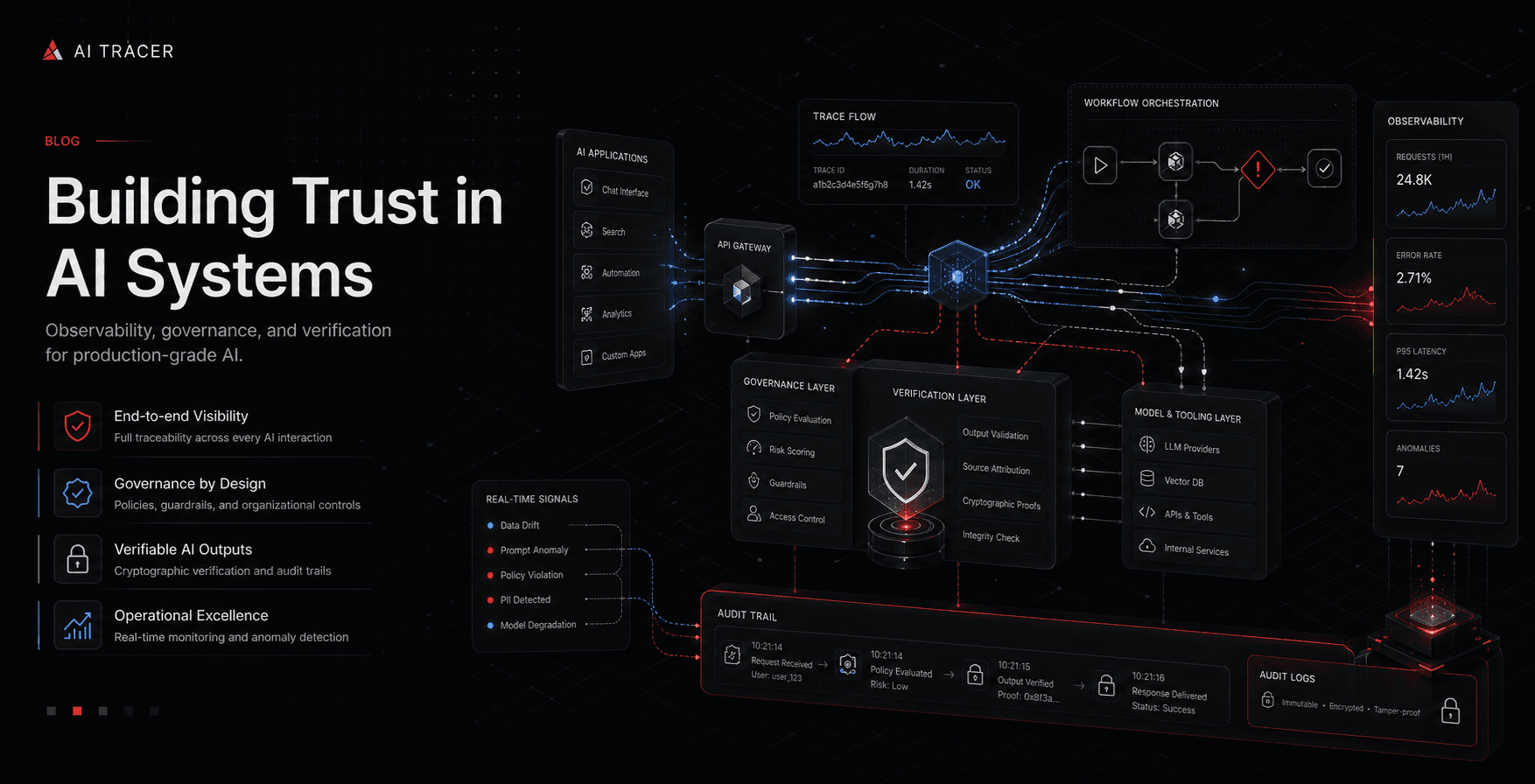
Preview deployments are useful for validating policy controls before production rollout.
Recommended preview checks
- ingest a controlled trace payload through
/api/traces - verify
Trace,ExecutionRecord, andVerificationRecordinserts - confirm governance outcomes for known sensitive patterns
- verify audit export visibility and retention controls
Parity requirements
Preview environments should mirror production policy bundles, model-routing logic, and cost attribution rules. The goal is to catch operational drift early, not only validate page rendering.
Exit criteria for promotion
Promotion should require:
- stable trace ingestion in preview
- matching verification hashes on replay checks
- governance alerts for known risky payloads
- dashboard parity across traces, governance, verification, and cost
If these controls pass in preview, teams can ship with confidence that production governance behavior is predictable.